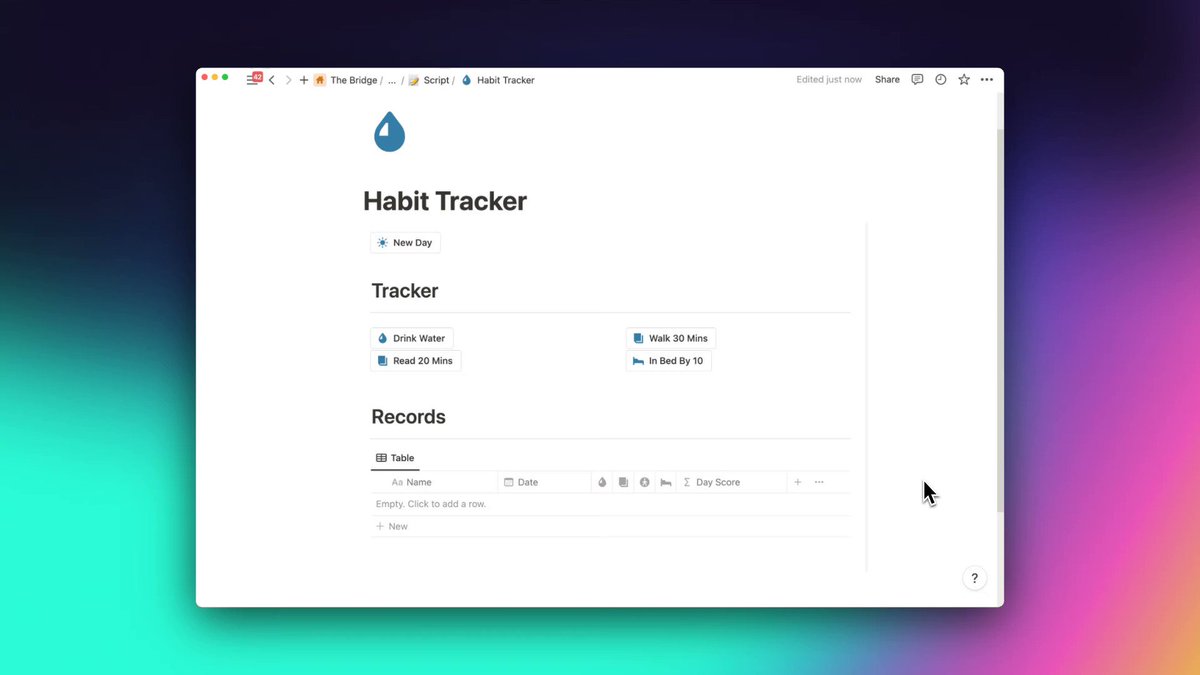
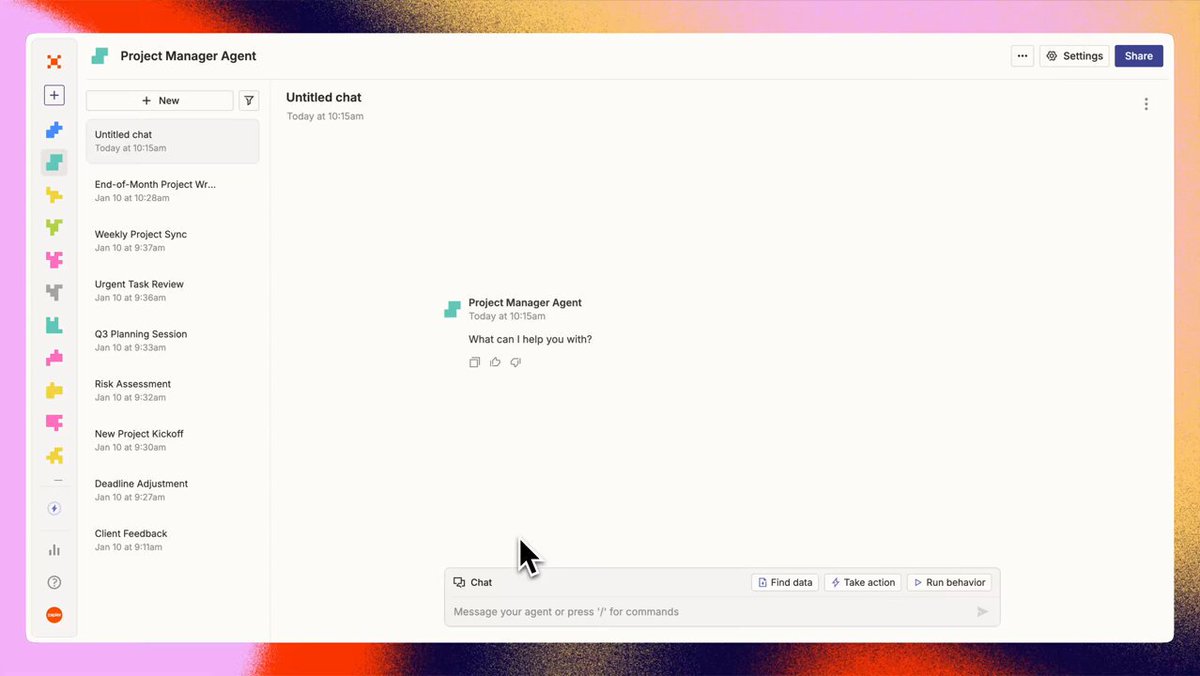
Record engaging courses

Screen Recorder optimised for creating easy to follow courses with no effort.

Get Started Now

macOS 13.1 or later recommended

Get a link you can open once back on your Mac.

Used by people at
SalesforceAmazonAdobeVercelAutodeskGoogleTikTokNvidiaGranolaWizFigmaMicrosoftCiscoCursorDropboxSpotifyNetflixAtlassianCohereSuperhumanSnapchatGrammarlyIBMWalmartBrexDatabricksCoinbaseSupabaseIntercomMITDoorDashDescriptSentryTypeformShopifyThe New York TimesStripeElevenLabsmonday.comIntuitAppleLovableWarpPublic.comZohoHeyGenJamfHarveyBending SpoonsGitLabManusClayJFrogPostHogGoDaddyMetaWixTogglPreziKalturaGitHubFreshworksDiscordElementorReplitSynthesiaPfizerLangChainMistralHubSpotLightspeedLumaSnowflakeClickUpNotionRetoolYaleOdooCambridgeDataCampCognitionRunwayHugging FaceMiroCanvaOpenSeaAirtableMozillaFireblocksRampDeelCornellLaunchDarklyBigCommerceTogether AIPendoLeonardo.aiKajabiAmplitudeDeepLZapierCloudflareFramerMagnificPostmanSplicePlaidGroqDigitalOceanUdemyScale AIStanfordOperaSquareFiverrPerplexitySimilarwebKrakenDatadogCal.comContentfulAnthropicWritera16zGammaModalMuxSunoWealthsimpleRiversideCoreWeaveRaspberry PiBerkeleyBrilliantUniswapGleanAcastXeroCMURestreamPrincetonOptimizelyMoonPayBeehiivSierraAirwallexWeights & BiasesColumbiaWistiaNebiusPhotoroomCheckrThumbtackKreaSemrushServiceTitanA24 FilmsAccenture

How to record courses on macOS?

Professional editing. Done autmatically.

Screen Studio creates beautiful animations basing on your mouse actions. Videos are easier to follow and more engaging.

  • Smooth mouse movement. Shaky and rapid movement of your cursor is transformed into a smooth and beautiful glide.
  • Edit your video quickly. Simply drag your zooms on the timeline. All the heavy lifting is done automatically. No manual work is required.
  • Change cursor size. Make your video easier to follow by changing the size of the cursor even after you have finished recording.
  • Cut & Speed up. Easily trim, cut or speed up parts of your recording.
  • Change style of your video. Easily change the background or spacing around your video.

There is more.

Discover all the features helping you create professional screen recordings easily.

Made with Screen Studio.

Thousands of people use Screen Studio for product demos, courses, tutorials, and social posts.

  • T. Costa@tcosta
  • Thomas Frank@TomFrankly
  • Y Combinator@ycombinator
  • Matt Perry@mattgperry
  • threads@Threads
  • Paddle@PaddleHQ
  • @levelsio@levelsio
  • Tailwind CSS@tailwindcss
  • Stripe@stripe
  • Stripe Developers@StripeDev
  • Chakra@chakra_ui
  • Mike Knoop@mikeknoop
  • Pitch@Pitch
  • superwhisper@superwhisper
  • GitHub@github
  • Jim Raptis@d__raptis
  • CodePen.IO@CodePen
  • Lee Robinson@leerob
  • Bubble@bubble

In their words.

Screen Studio helps thousands of people record beautiful videos and demos of their products and services.

cn80@cn8011
@pie6k This is awesome, charge double plz! This is far more useful than Camtasia & other screen recorders.
Daniel Afolabi@_mavenart
Elevating my screen recording game with screen.studio! I have been using it to capture laptop views and decided to try out the mobile feature, and I'm blown away! The perfect way to share my screen magic with clients!🚀 Thanks @pie6k for this fantastic tool! Should
Mike Lee@mikelikesdesign
I'm currently putting together product demos and I needed a simple app where I can zoom in on specific parts and be able to export as a GIF, after reviewing several apps, screen.studio by @pie6k is exactly what I was looking for, instant purchase!
Just got my license key for screen.studio from @pie6k! This screen recorder is truly a game changer for creating delightful demos!
OMG. @screenstudio is 🤯. Took me ~ 5 minutes to create a nice looking video that I could share with my coworkers, to demo our new theme editor for the @magicbell_io push-subscription dialog.
Andrew Daniels 💜@design_nocodeio
@pie6k just downloaded #screenstudio and already sort of love it! Def. using it for screen recordings of @flutterflow so awesome!
Lots of folks are asking about the recording tool that I use. It's the @screenstudio app by @pie6k, and it has easily become an essential part of my routine work. It wouldn't be possible for me to share my @framer work without the help of this app. I highly recommend it.
Sukh@thisissukh_
Never bought something so fast - screen.studio screen recordings look amaazing! 🌟✨
I can't put into words how much I adore @screenstudio! Using it for the first time today, and it's unbelievably amazing. Thank you @pie6k!
screen.studio by @pie6k is such a phenomenal tool! Wow, just wow!
Zigpoll@zigpoll
@atunasashimi If you have a mac Screen Studio by @pie6k is a focused and very well designed tool. Installed it last week and it has already saved so much time!
homanp@pelaseyed
@pie6k Best thing ever, saved me half a day!
adarsh@ad0rsh
@pie6k One of the best products I have ever used.
Sveta Bay@sveta_bay
The only working method to boost your launch on socials is to use screen.studio I've never got so many link clicks before. @pie6k you're making magic.
@databas3_io screen.studio from @pie6k—easily one of my favorite mac apps!
Jacky W@jkhwongie
One software I f#cking love is @screenstudio by @pie6k Legitimately can't live without it. If you're building something and want to film amazing video demos in minutes, you need to check it out. Link: screenstudio.lemonsqueezy.com… @_buildspace @_nightsweekends #buildinpublic
Ryan Goins@ryangoins
Was able to create this video in a half day with Typeframes from @_justlilian and Screen Studio from @pie6k. Absolutely killer combo 🔥
Gino@mostlygino
🔍 Every now and then, you stumble upon true gems, and @screenstudio for macOS is undoubtedly one of them! 🌟 This screen recorder is a total game-changer, making high-quality video creation a breeze. Special thanks to @pie6k for this fantastic tool!

Pricing

Everything included.

Every Screen Studio feature is available in every plan.

Yearly

Save 69%

$9/mo.

All Screen Studio features included.

  • All Screen Studio features
  • Export up to 4K at 60 fps
  • Shareable links
  • Cloud transcript
  • Sharing projects
  • New features as they ship

Monthly

$29/mo.

All Screen Studio features included.

  • All Screen Studio features
  • Export up to 4K at 60 fps
  • Shareable links
  • Cloud transcript
  • Sharing projects
  • New features as they ship

Students and educators get 40% off. Request a discount

Questions & answers.

Something else on your mind? Get in touch.

Screen Studio records your screen differently than most apps.

It records your screen, ignoring the mouse cursor, and then adds the cursor back in the final video. This is possible because Screen Studio records precise mouse movement data and synchronizes it with the recorded video.

Thanks to this, it can apply many effects after the video is recorded, such as making mouse movement smooth, changing cursor size and shape, etc.

Most screen recording apps record your screen with the mouse cursor, making it impossible to apply cursor effects after the recording is done.

No, and there are no near-future plans to add Windows support. Currently, Screen Studio only supports macOS.

Yes.

Screen Studio never sends data about your recordings to servers.

Your recordings are stored and processed locally on your computer.

AI-based features, such as transcription, are done locally on your computer.

Screen Studio can collect basic usage data to help us improve the app, but you can opt out of it during the first launch. You can also opt out at any time in the app settings.

Yes.

If you have an email address from a university or other educational institution, you can automatically get a 40% discount on Screen Studio at Request Educational Discount page.

If you don't have an educational email address, you can send us confirmation of your student status (such as a student ID) at team@screen.studio and we will send you a discount code.

Please check out the roadmap page.

macOS Ventura 13.1 or higher is recommended.

Please check out the manage subscription page.

Your license is of course still valid.

If your access to the latest updates and features is expired, you can still renew your license at any time to restore your access to the latest updates and features.

Note: purchasing one-time licenses was possible in the past, but is no longer available for new purchases.